Simple workout tracker for iPhone

A simpler way to track your workouts.

Open it, log your sets, and see what you lifted last time. Unlimited saved workouts, a rest timer that follows you, and PRs caught as they happen. Free, with nothing in the way.

Download on theApp Store Free · No ads · No account
I built Suzfit for my fiancée. She was tired of gym apps that bury a set log under programs, paywalls and feeds. She just wanted to track her workouts. This is that app, shared free with anyone who wants the same.

During the workout

It remembers what you lifted.

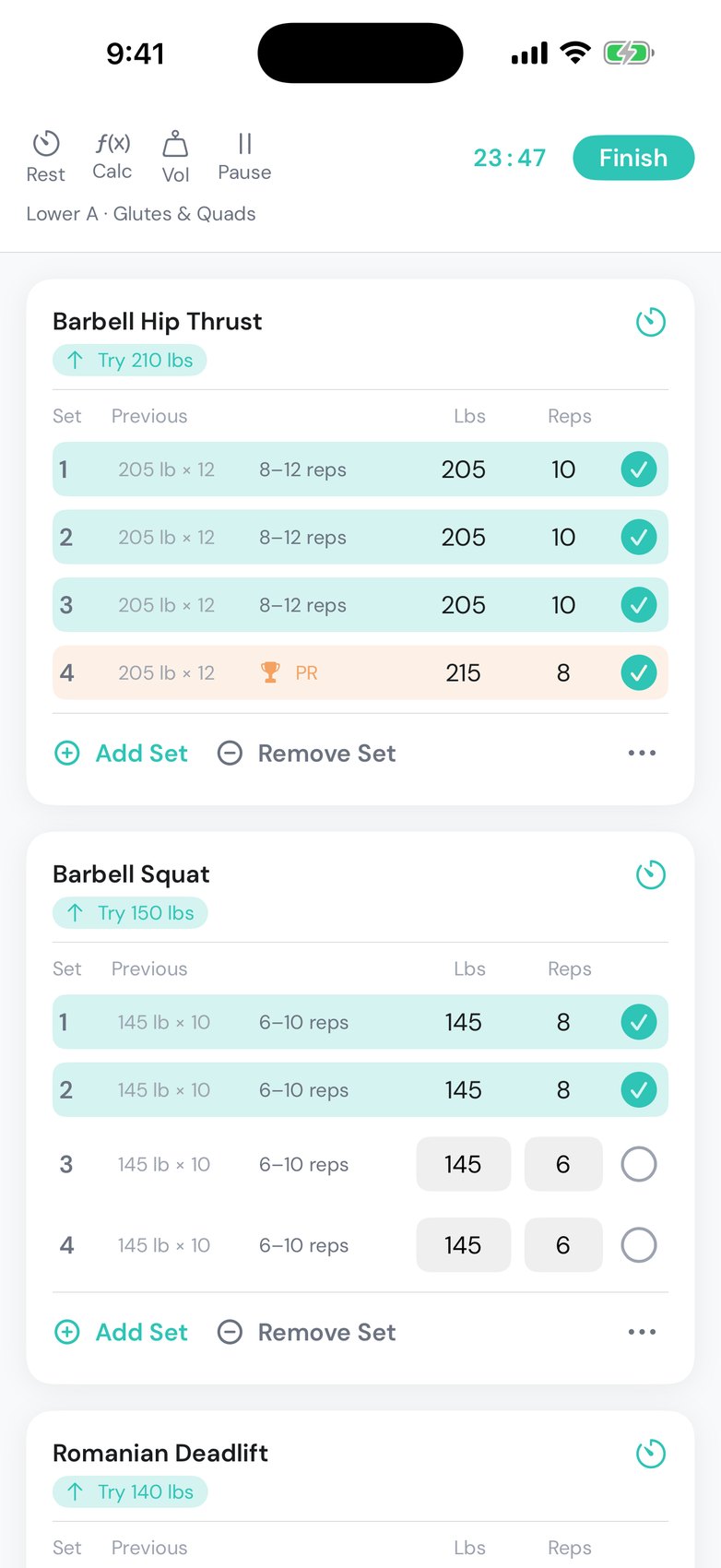
Last session's weight and reps sit beside every set, so you never scroll back to check. A gentle suggestion for each exercise, based on your progression rule. Type a weight once and it fills the rest.

  • Previous session in every row
  • Double progression, linear, or RPE
  • Add, remove or swap exercises mid-session
Active session with each set showing last session's weight and reps, a Try 210 lbs suggestion, and checked-off sets
Between sets

Rest that follows you.

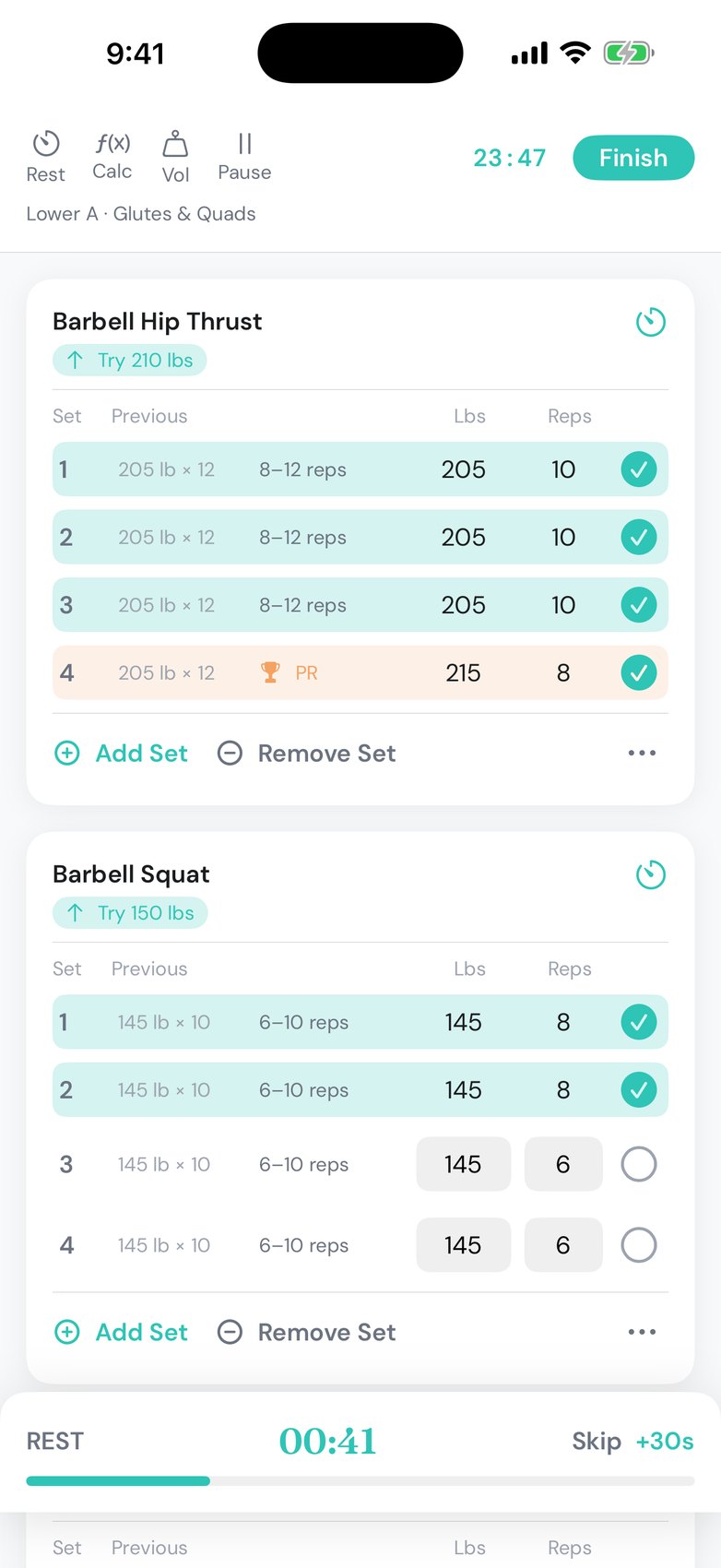
The timer starts the moment you check off a set. Lock your phone, change the song, get water. You'll get a quiet alert when it's time to lift again.

  • Per-exercise rest times
  • Skip or add 30 seconds in one tap
  • Works with the screen off
Rest timer banner counting down 42 seconds with Skip and +30s controls
The good part

PRs, caught live.

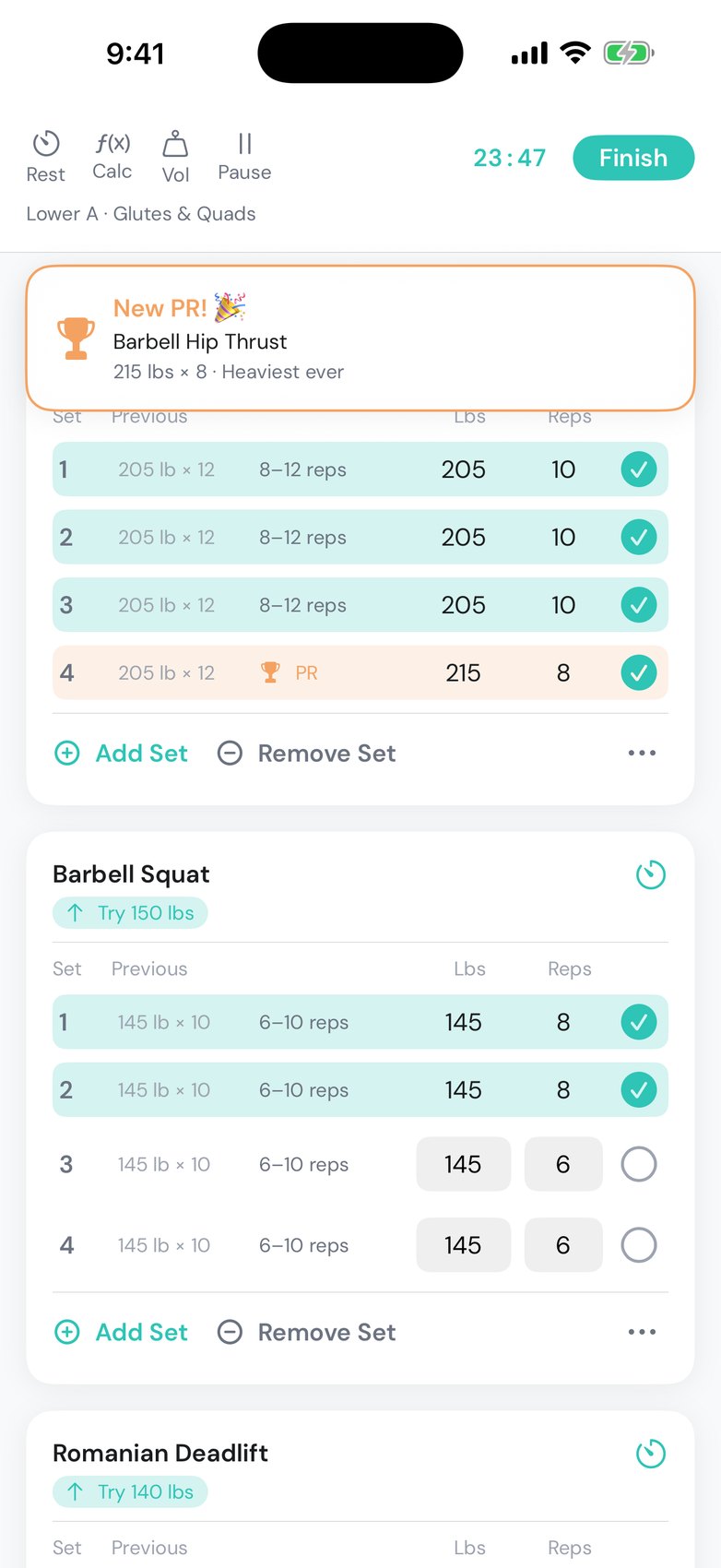
Lift heavier than ever, or more reps at your best weight, and Suzfit notices the moment you check the set. It turns gold, your phone buzzes, and the record stays with you.

  • Weight PRs and rep PRs
  • PR days marked on your activity heatmap
  • Every record listed in the session summary
New PR banner for Barbell Hip Thrust, 215 lbs for 8, heaviest ever

Simple on purpose.

Everything you need mid-set. Nothing you don't.

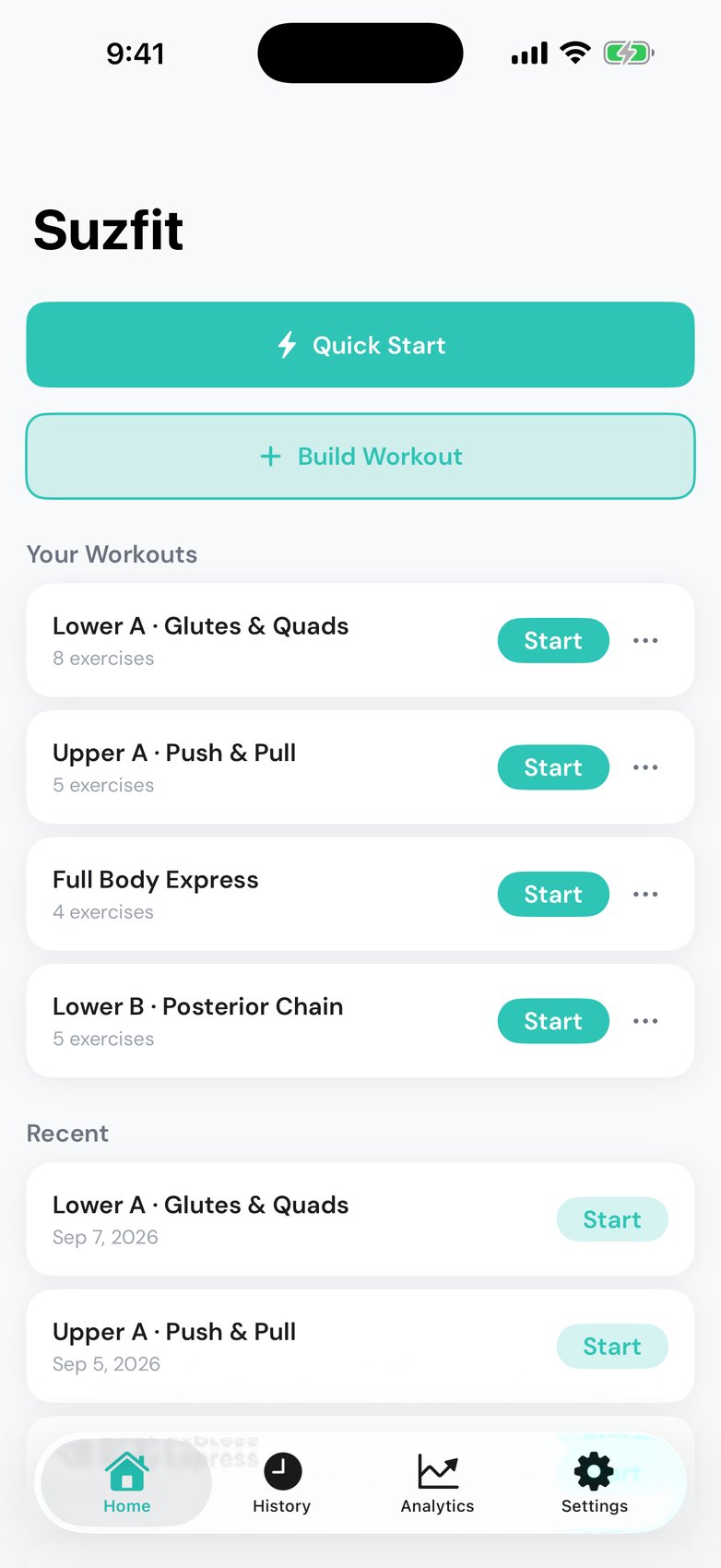
Unlimited workoutsSave every variation. Start any of them in one tap.
+HIIT on strength daysAdd finishers to the end of any plan.
800Exercises with demosFilter by muscle or equipment, or add your own.
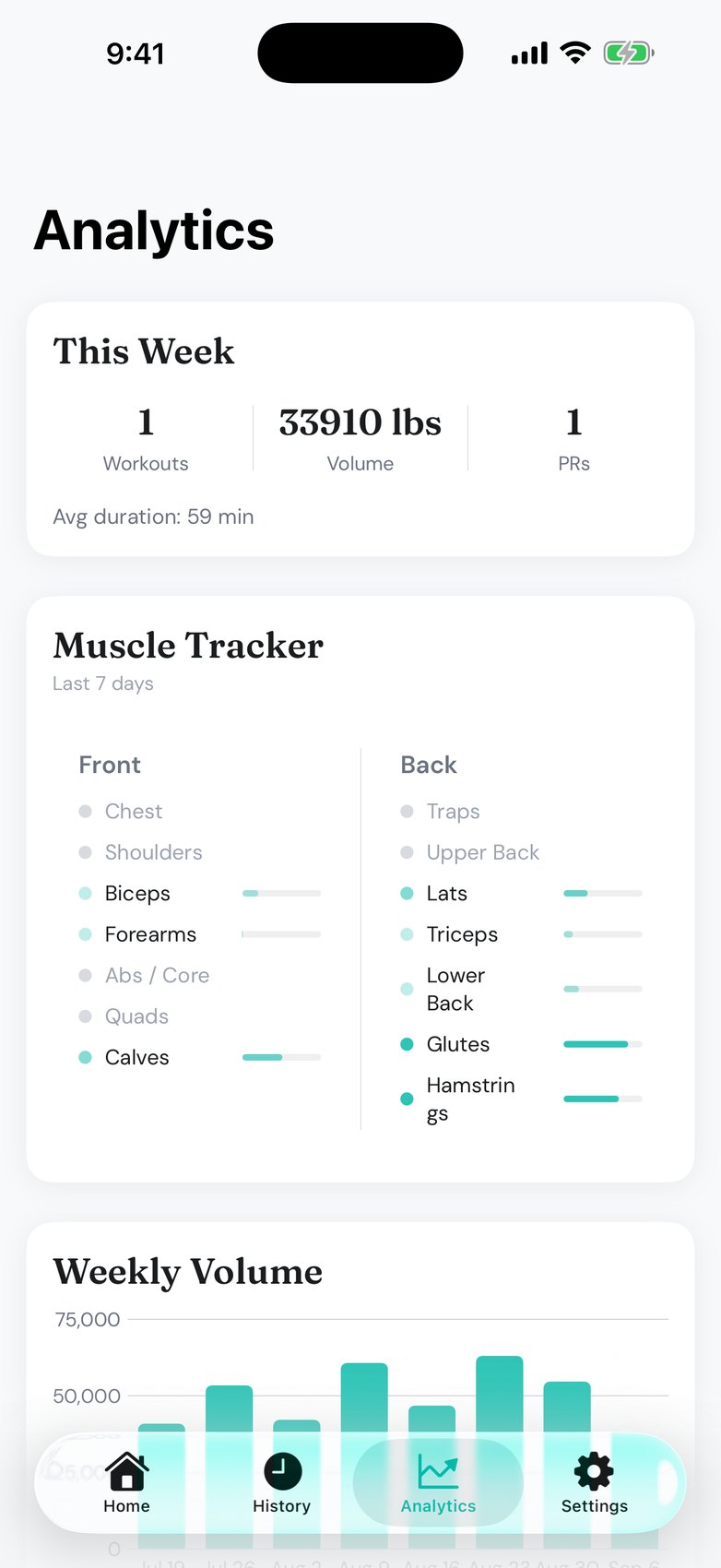
Progress at a glanceHeatmap, weekly volume, muscle tracker, top-set charts.
Your own iCloudNo account. Your data stays yours and syncs itself.
$0FreeNo ads, no subscription, no locked features.

Designed to be lovely to open.

The screen you'll spend your workout on, and the ones around it. Swipe through.

Questions, answered.

Why was Suzfit made?

I built it for my fiancée. She was tired of bloated gym apps and just wanted a simple way to log her workouts. It grew from there, and I share it free with anyone who wants the same.

Is Suzfit free?

Yes, all of it: unlimited saved workouts, the full exercise library, weight suggestions, analytics and iCloud sync. I don't run ads, sell subscriptions, or lock anything behind a purchase.

Do I need an account?

No. Suzfit works the moment you open it. Your data lives on your iPhone and, if iCloud is enabled, in your own private iCloud account.

How do weight suggestions work?

Suzfit shows what you lifted for each set last time and applies your progression rule to suggest the next weight. Double progression adds weight once every set hits the top of the rep range; linear adds weight every session you hit the minimum; RPE adjusts to how hard the last session felt. Set it per workout or override per exercise.

Can I add HIIT to a strength workout?

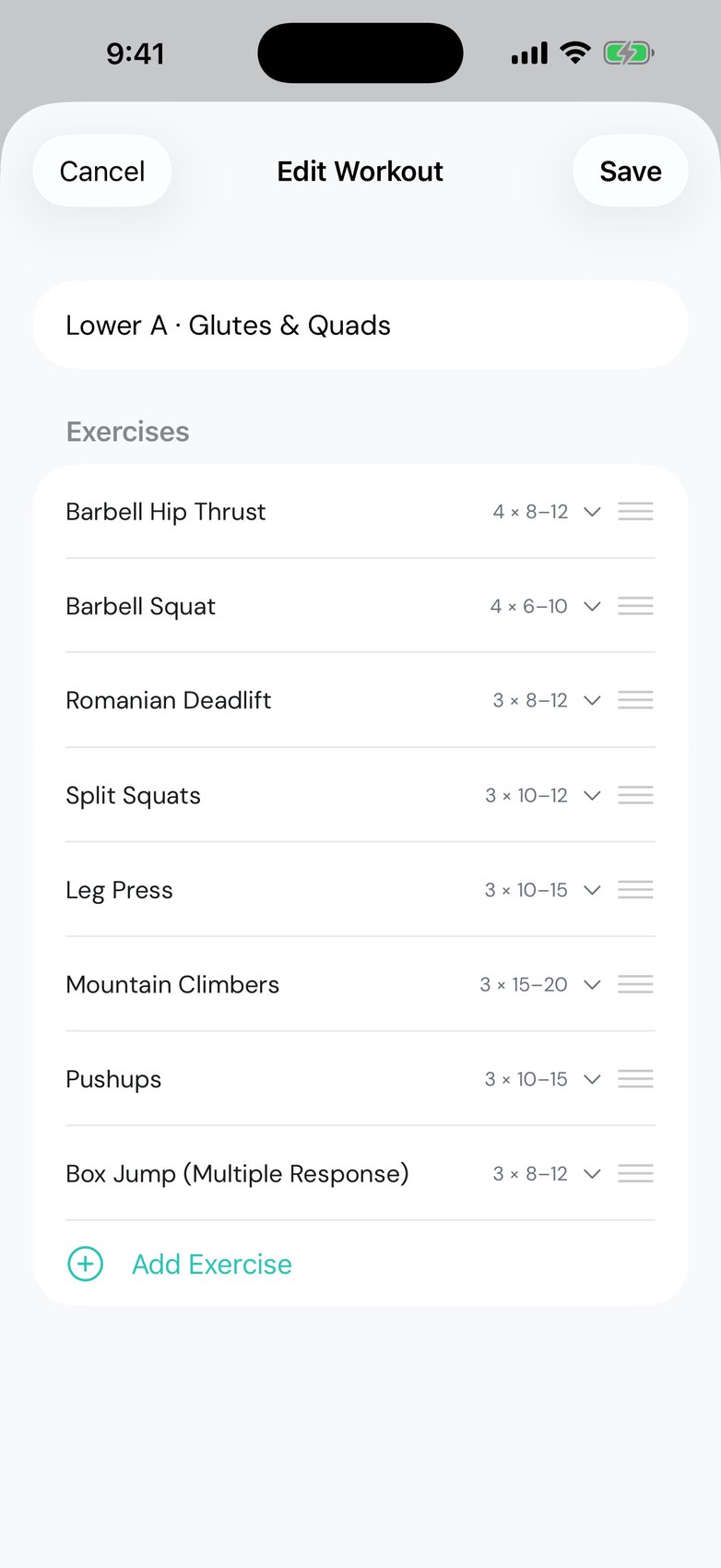
Yes. Add finishers like mountain climbers or box jumps to the end of any strength plan with their own sets and rep ranges.

Does the rest timer work when my phone is locked?

Yes. It schedules a local notification, so you get an alert when rest ends even if the screen is off or you are in another app. That is the only reason Suzfit asks for notification permission.

Where is my data stored?

On your device and in your own private iCloud database. I run no servers and can't see your workouts. Details in the privacy policy.

Does Suzfit support kilograms?

Yes. Pick pounds or kilograms in Settings and every weight in the app follows, including your history.

Your gym. Your rules.

Free on the App Store. Nothing to unlock.

QR code linking to Suzfit on the App StoreScan with your iPhone